PcPaisa Amazon Sale page and festive PC upgrade shopping
Planning a festive PC upgrade? Explore PcPaisa’s Amazon Sale page
Explore PcPaisa’s Amazon Sale page for desktop parts and gaming upgrades, then check the exact variant, seller, observation date and final checkout total.
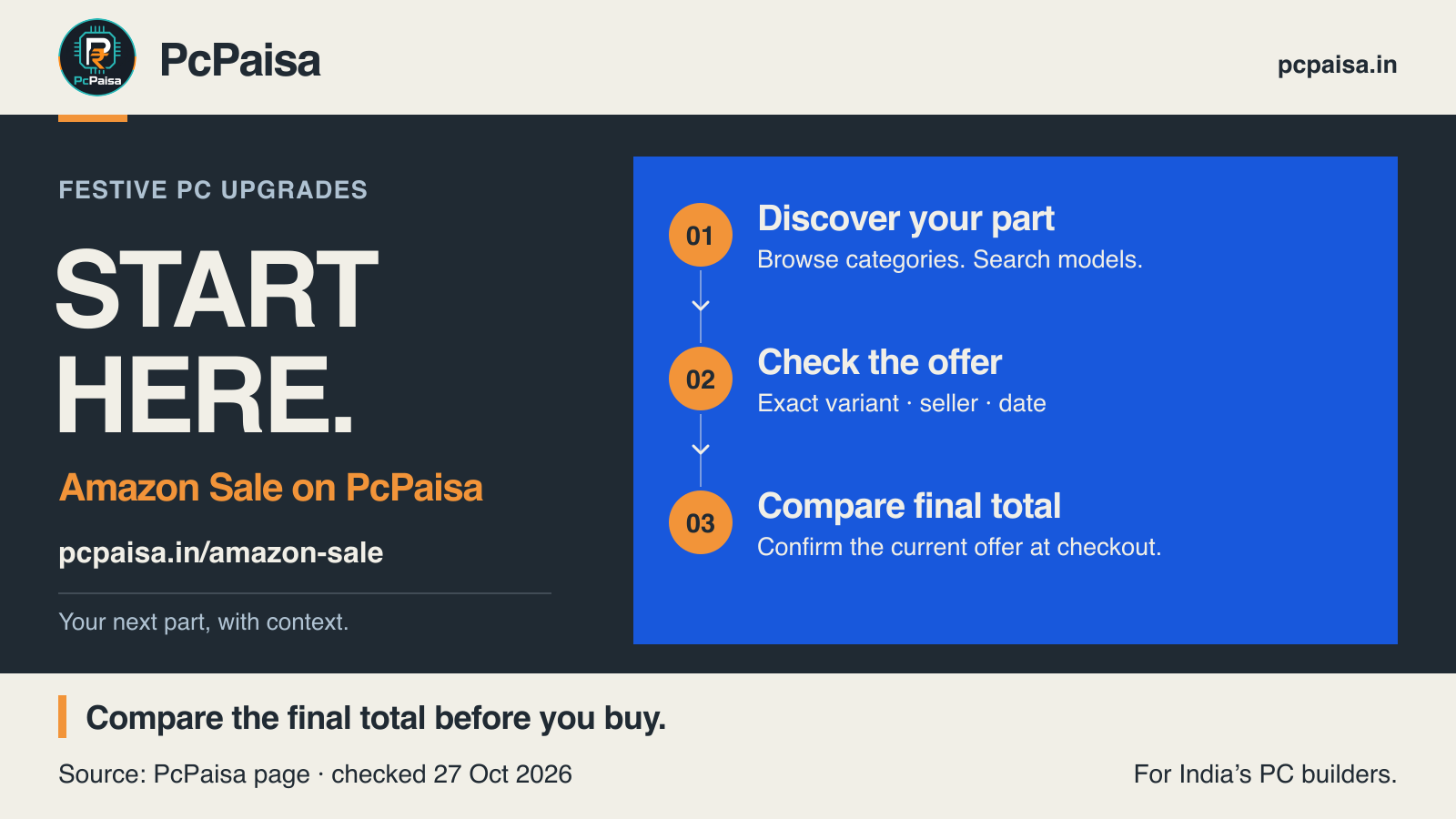
Planning a festive PC upgrade? Give your shortlist a place to start. PcPaisa’s Amazon Sale page brings desktop components and gaming upgrades into a PC-focused browsing view, with category filters, model search, seller names and dated price observations.
You can explore CPUs, graphics cards, motherboards, RAM, storage, power supplies, monitors and more without starting from an unrelated shopping feed. Whether you are replacing one part or collecting options for a build, the useful next step is the same: find a candidate, check the details, then decide whether the offer deserves your money.
What can you do on the Amazon Sale page?
Start with a category, then search by model, specification or ASIN. The page also offers sorting by price and product name. Product cards present listing highlights, a seller, an observation time and a link to view the item on Amazon.
Those details help you narrow the search. They do not make every listed item a great deal. A dated price is an observation, and a place in the shortlist is not proof of a historical discount or the lowest available price. Each price carries an observation time; confirm the current offer and final total on Amazon before ordering.
Use the page to discover options, then run this buying check.
Does the exact variant match what you need?
Write down the complete model or part number before comparing offers. Similar names can hide the detail you actually care about: a different capacity, memory generation, kit layout, graphics-card variant or monitor model.
For example, a RAM listing’s total capacity is only part of the purchase. Record the module count and exact kit code too. For an SSD, keep the capacity and full model together. The goal is to compare the product you intend to buy, rather than a nearby item with a familiar family name.
Check compatibility separately using the relevant manufacturer documentation. A shopping result does not establish support for your existing motherboard, case, power supply or complete build.
Have you checked the seller and the current offer?
Read the seller name beside the dated observation, then confirm the offer on Amazon before ordering. Check the selected variant, condition, delivery details, invoice information, warranty terms and applicable return or replacement terms. Resolve anything unclear before paying.
The observation date helps you judge the age of the information. It is not a promise that the same seller, price or availability will remain at checkout. Save the offer details with your shortlist if you are discussing the purchase with an assembler or buying for someone else.
Is the final total competitive for that same product?
Compare the exact model against other retailers you are considering. Include delivery charges and check any coupon, payment or account eligibility directly at checkout. Count an offer only after confirming that it applies to your order.
A sensible comparison records the same variant, the seller, relevant terms, the final payable total and when you checked it. A sale label alone cannot answer whether the purchase is worthwhile. If the total or terms do not suit you, keep looking; browsing does not create an obligation to buy.
Build a shortlist you can actually use
Before ordering, your note should answer four questions:
- What exact part am I buying, and does it fit my upgrade?
- Who is selling it, and what terms apply?
- When was the offer checked, and what does checkout show now?
- How does the final total compare for the same product elsewhere?
Ready to explore your next upgrade? Open PcPaisa’s Amazon Sale page, choose the part you need and put a promising candidate through those checks.
Page features checked 27 October 2026. This is a discovery guide, not an independently verified deal ranking, hardware test or current-price comparison.
Put your shortlist to work
Catch a price drop on your next PC part.
Follow our Telegram channel for selected Indian PC-part price-drop alerts from PcPaisa’s tracked price history.
Join Telegram deal alerts