Motherboard choices
B850 vs X870 for an AM5 gaming PC in India: what are you paying for?
Choose B850 or X870 by the devices you use. Compare USB4, PCIe slots and M.2 sharing before paying more for an AM5 gaming motherboard.
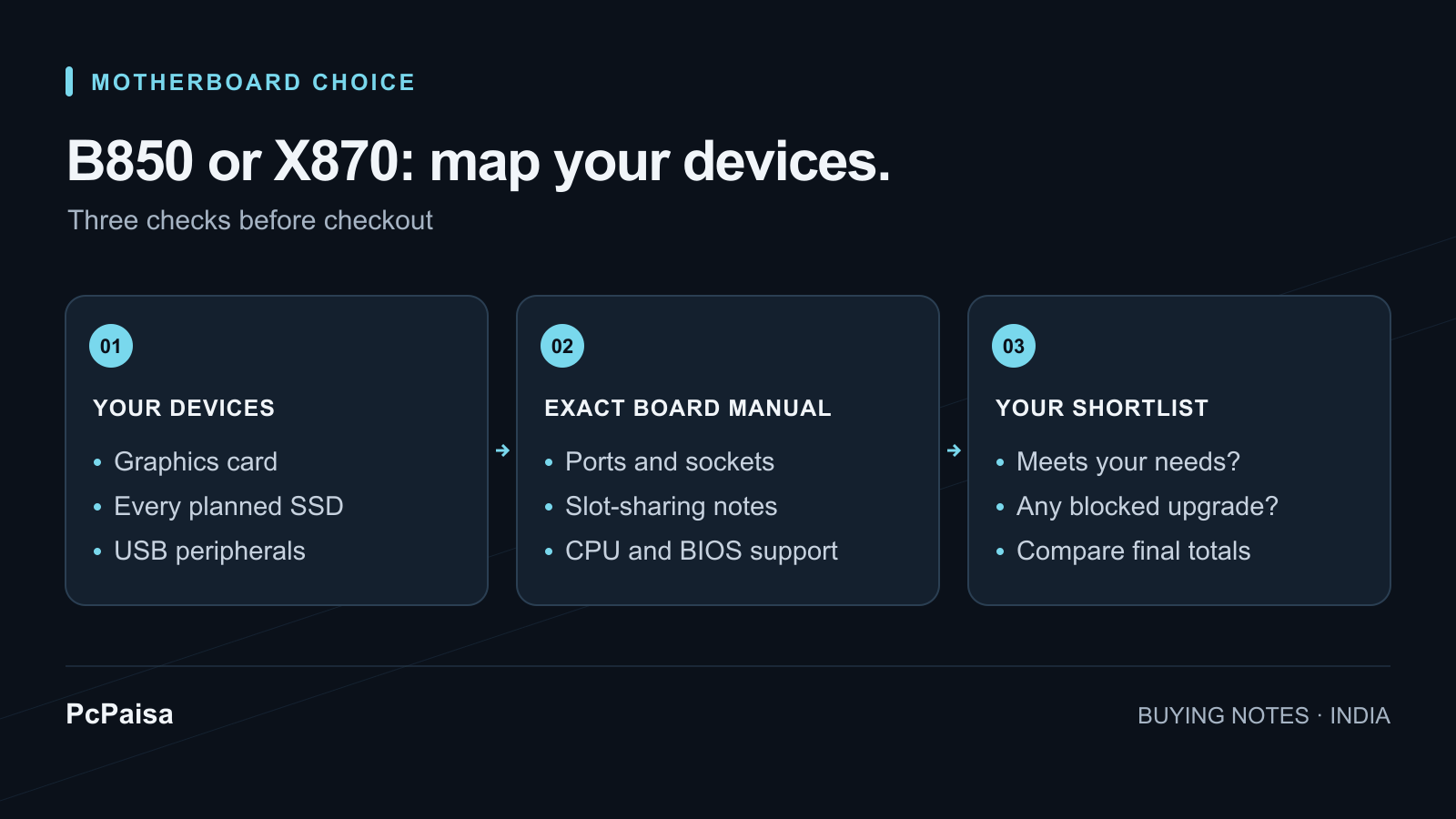
Choose the board that connects your actual PC, then compare the checkout totals. For a gaming build with one graphics card, a couple of SSDs and ordinary peripherals, a suitable B850 board belongs on your shortlist. An X870 board deserves the extra spend when you can name the connection or expansion capability you need from that exact model.
“I might need something later” is a weak reason to stretch the motherboard budget. “I already own a USB4 dock and need these ports together” is a useful buying requirement. Start there, especially when the same budget also has to cover the GPU, monitor and storage.
What the chipset label tells you
AMD’s comparison lists USB4 as standard on X870 and optional on B850. Both support CPU and DDR5 memory overclocking and PCIe 5.0 NVMe storage. Its graphics specification lists PCIe 5.0 for X870 and PCIe 4.0 for B850; a particular B850 board can go beyond that baseline, as the example below shows. AMD’s AM5 chipset comparison
| Buying question | How to use the specification |
|---|---|
| Do I need USB4? | X870 includes it; verify the ports and device requirements on the exact board. |
| Do I want a PCIe 5.0 SSD? | Both families support it; identify the actual M.2 socket you will use. |
| Do I want a PCIe 5.0 graphics slot? | Check the board’s specification, including its CPU-dependent modes. |
| Will everything work together? | Read the slot-sharing notes; a list of connectors is only the starting point. |
These specifications do not establish gaming frame rates, VRM temperatures or reliability. We have not benchmarked these boards. Do not translate the larger chipset number into a performance gain without relevant testing of the actual products and configuration.
Two real boards show why the footnotes matter
These ASUS models illustrate two layouts; they are not a ranking or a claim about Indian stock. The lane examples below apply to the documented Ryzen 7000/9000 configurations. Read the separate specifications if you are using a Ryzen 8000 processor.
TUF GAMING B850-PLUS WIFI: ASUS lists a PCIe 5.0 x16 graphics slot, three M.2 sockets and a rear USB-C port rated at 20Gbps. Its third SSD socket, M.2_3, disables the secondary PCIEX16(G4) slot when used. ASUS India B850 specifications
TUF GAMING X870-PLUS WIFI: ASUS lists two rear USB4 40Gbps ports and four M.2 sockets. Using M.2_2 changes the primary graphics slot to x8; using M.2_4 disables the secondary PCIEX16(G4) slot. ASUS India X870 specifications
The purchase lesson is to draw your intended configuration before ordering. A buyer adding an internal capture card should check its proposed slot alongside every SSD. Someone connecting external storage through USB4 has a different priority. Counting M.2 sockets alone does not answer either buyer’s question.
The X870 example’s x8 mode is a documented lane change, not a measured FPS penalty. Its practical effect would need testing with your GPU and workload. Equally, neither example establishes how every board in its chipset family behaves.
Make a connection plan before comparing prices
Write two columns: installed on day one and a specific planned upgrade. Include the GPU, every SSD, any capture or network card, USB storage, audio interface, controllers and the case’s front ports. Give each device an intended socket or port on each candidate board.
For example, “two SSDs now, one capture card later” is specific enough to check against a manual. “Maximum future proofing” is not. If a slot-sharing restriction affects only a connector you will never use, it may be irrelevant to your purchase. If it affects the reason you chose the board, it belongs at the top of the comparison.
For an external device, record its exact model and required connection. Before paying for USB4, check the device maker’s host and cable requirements against the motherboard documentation. Do the same for a planned upgrade: put a real device or a clear requirement on the list rather than paying for the label alone.
What would justify paying more in India?
Compare exact model names and all-in totals for delivery to your PIN code. Ask the seller to confirm warranty coverage, invoice details and the supplied variant. This article does not quote a current Indian street price or assume X870 always costs more; your verified checkout offers decide the gap.
For each extra rupee, identify what you receive that you will use. If both candidates satisfy the connection plan, keeping the difference for another component is reasonable. If only one provides a required port without sacrificing another planned device, that is a concrete reason to consider its premium. There is no universal rupee cutoff.
Finish with CPU and BIOS support for the exact board and processor; our Ryzen 9000 BIOS guide covers that separate check. Compare motherboard listings, then put the complete parts list in the PcPaisa Build Planner. Keep your port-and-slot notes alongside it: compatibility still needs the manufacturer’s exact documentation.
Put your shortlist to work
Catch a price drop on your next PC part.
Follow our Telegram channel for selected Indian PC-part price-drop alerts from PcPaisa’s tracked price history.
Join Telegram deal alerts