PSU replacement and cable compatibility
Replacing a modular PSU? Check every cable before reusing it
A matching plug does not establish modular PSU cable compatibility. Record the exact PSU, cable identity and manufacturer approval before reusing a lead.
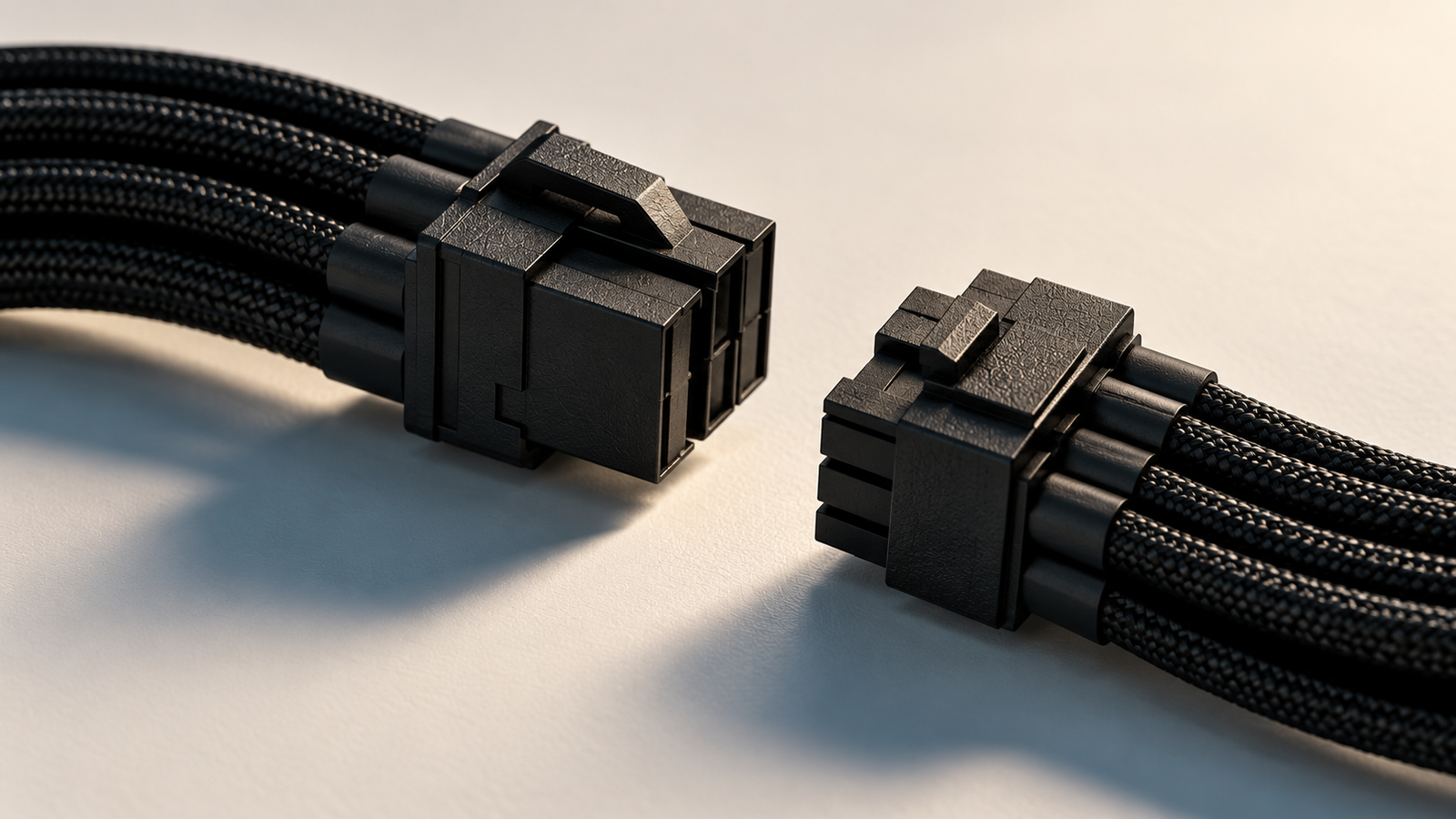
Replacing a modular power supply can look like a quick swap: leave the neatly routed cables in the case and connect them to the new unit. Before approving that plan, ask one question: where is the manufacturer approval for each cable you intend to keep?
A plug that fits, the same brand logo or a matching wattage does not answer it. Start with the cables supplied with the replacement PSU. Reuse an existing lead only when the PSU manufacturer explicitly documents or confirms that cable’s compatibility with the exact replacement model.
Why connector fit is insufficient
The connector at the motherboard, graphics card or drive does not establish how a modular cable is wired at the PSU end. Corsair explains that PSU-side wiring can differ and that even a change within one brand can require another cable type. Its warning concerns potential harm to components, rather than simply an accessory failing to work. Corsair’s modular cable guidance
This check concerns the removable cables between the PSU and PC components. The wall-to-PSU mains lead is a separate item with its own requirements; it is outside this checklist.
Approval can be specific to one cable
Manufacturers do approve some cable interchangeability. The useful rule is to follow the documented scope.
For example, Corsair’s compatibility chart distinguishes the 24-pin ATX pinout between its Type 3 and Type 4 cables. It separately warns that Type 3 and Type 4 modular cables are incompatible with Type 5 PSUs. A cable type label needs the relevant chart entry, not an assumption about every Corsair unit. Corsair’s current compatibility chart
Seasonic likewise publishes tables organised by PSU generation and cable family, with conditions and exclusions. It directs owners of unlisted models to support. Read the detailed row and its notes rather than extending a general series statement to every cable. Seasonic’s compatibility guide
Make a record for every retained lead
Before buying the replacement or authorising an assembler’s swap, create this record. It turns a vague assurance into something both parties can check.
| Record | What must be identified |
|---|---|
| Replacement PSU | Full manufacturer model, product code and revision or generation where specified; wattage alone is insufficient. |
| Existing cable’s origin | Original PSU model and whether the lead came with it or was purchased separately. |
| Cable identity | Manufacturer part number, cable label or documented type; retain packaging or clear label photographs. |
| Both endpoints | Intended PSU connection and component connection, including whether the lead serves the motherboard, CPU, GPU or SATA devices. |
| Approval | Manufacturer compatibility page/manual and exact applicable entry, or a written support reply covering this cable and PSU. |
| Conditions | Any stated connector, rating, generation or installation limitations. |
| Decision | Approved for the documented use, explicitly incompatible, or unresolved; include the date checked. |
Keep separate entries for separate leads. Approval for a GPU cable does not identify an old SATA cable. A bag containing leads from several PSUs leaves an origin question even if every connector looks tidy.
Give unknown a practical meaning
An absent chart entry does not prove incompatibility. It means the documentation has not established permission to reuse that cable. An unreadable label or uncertain origin leaves the same gap.
Ask the PSU manufacturer with the exact model identifiers, cable markings and photographs. If compatibility remains unresolved, use the replacement unit’s supplied cables or obtain a replacement lead explicitly approved by its maker. Do not connect an unidentified cable merely to see whether the PC starts.
This is a documentation check. Opening the PSU, moving connector pins or improvising electrical tests is outside it. Follow the manufacturer’s installation instructions, or have a qualified assembler perform the replacement.
Put cable replacement into the purchase quote
For an Indian retailer or assembler quote, ask whether labour includes removing the old modular leads and routing the new set. Record any proposed retained cables and their supporting approval before paying. For an open-box or used PSU, establish which original cables are present and whether approved replacements can be obtained before treating the package as complete.
Cable compatibility also leaves other purchasing questions open: the PSU’s suitability for the complete system, required connectors, cable reach and installation clearance still need their own checks. A documented cable pairing does not certify the whole PC.
The goal is a clear handover: the installed PSU is identified, every retained lead has traceable approval, and unanswered questions are resolved before installation.
Primary manufacturer documentation checked on 19 October 2026. This is an editorial buying checklist, with no PcPaisa hardware testing, named-product compatibility certification, current price or stock claim.
Put your shortlist to work
Catch a price drop on your next PC part.
Follow our Telegram channel for selected Indian PC-part price-drop alerts from PcPaisa’s tracked price history.
Join Telegram deal alerts