CPU comparisons
Ryzen 7 9850X3D vs 9800X3D in India: how much extra is worth paying?
The 9850X3D is a higher-clocked alternative to the 9800X3D. Use the verified checkout gap, your games and your cooler plan to choose between them.
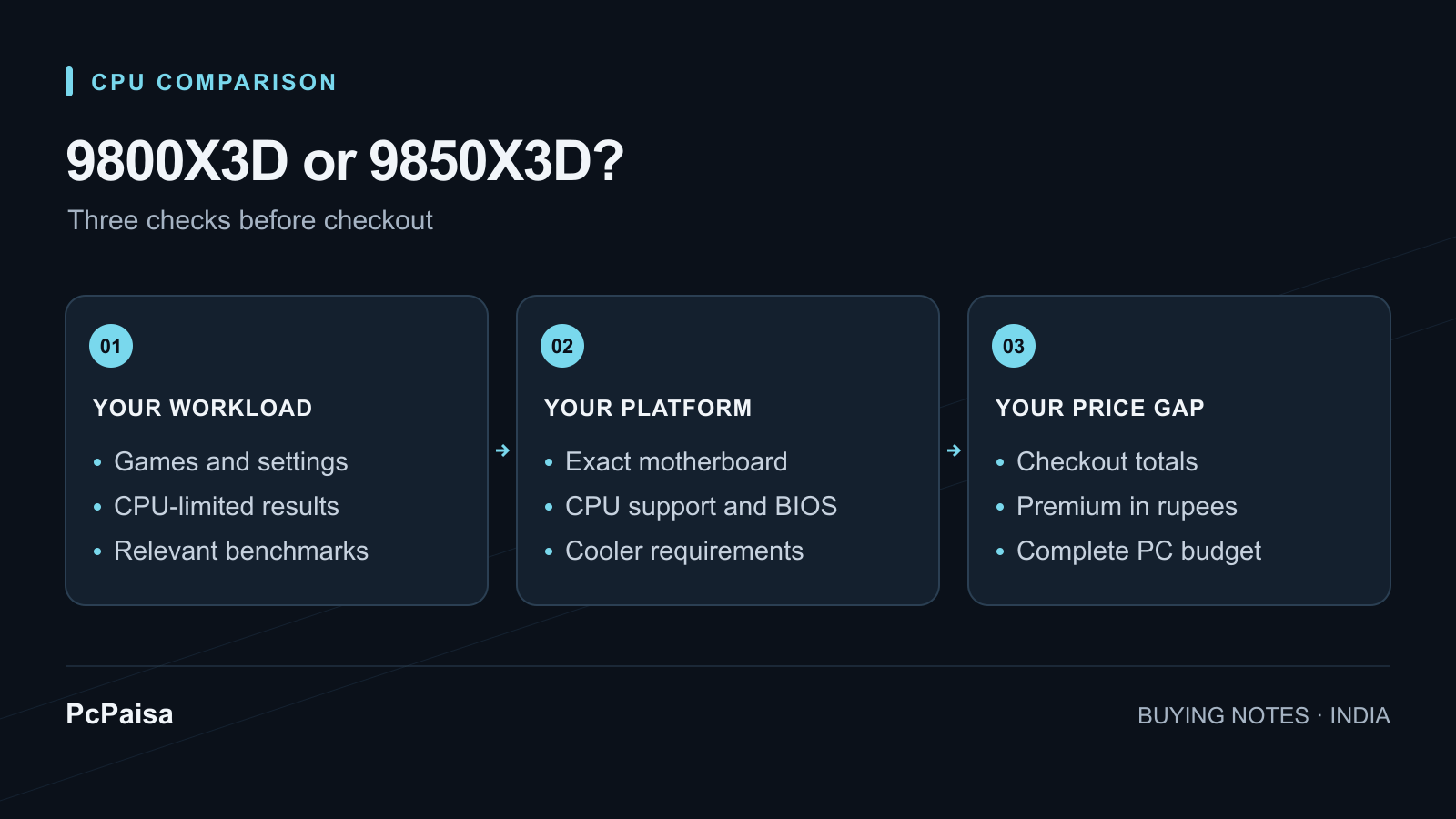
For a new gaming PC, the Ryzen 7 9800X3D is the good default when it is meaningfully cheaper. Consider the Ryzen 7 9850X3D when the premium is small and your games or workload can benefit from its higher clock. Compare the exact checkout totals, the games you play and the cooler you will actually install; a buyer focused on CPU-limited esports or simulation work may value the extra speed differently from someone who would spend the difference on the graphics card.
The Ryzen 7 9850X3D and Ryzen 7 9800X3D share the important platform traits. The question is how much the higher clock is worth in your build, rather than whether it opens a different socket or core-count tier.
The useful difference is clock speed, not a new platform
AMD lists both processors as Zen 5, AM5, 8-core/16-thread chips with 96 MB of L3 cache, a 120 W default TDP, DDR5 support and no bundled thermal solution. The 9850X3D has a listed 5.6 GHz maximum boost; the 9800X3D is listed at 5.2 GHz. Both pages list the same broad AM5 chipset families, including B650 and B850. AMD Ryzen 7 9850X3D specifications AMD Ryzen 7 9800X3D specifications
| Specification | Ryzen 7 9850X3D | Ryzen 7 9800X3D | What it changes at checkout |
|---|---|---|---|
| Cores / threads | 8 / 16 | 8 / 16 | Neither is a higher-core alternative. |
| Maximum boost | Up to 5.6 GHz | Up to 5.2 GHz | This is the stated hardware difference that can help frequency-sensitive work. |
| L3 cache | 96 MB | 96 MB | Do not pay for the 9850X3D expecting more L3 cache. |
| Default TDP | 120 W | 120 W | TDP is a specification, not a promise of identical measured power. |
| Socket | AM5 | AM5 | The CPU does not decide whether a particular board ships with the needed BIOS. |
| Box cooler | Not included | Not included | Put a documented cooler in either parts list. |
AMD recommends a liquid cooler for optimal performance on both product pages. That does not establish that every air cooler is inadequate, but it does mean neither CPU should be priced as though cooling is included. It also means a CPU-only comparison can be incomplete if one option demands more from the cooler you actually chose.
What independent testing shows
PcPaisa did not run these benchmarks. In Gamers Nexus’s like-for-like test with a 360 mm liquid cooler, the 9850X3D ranged from tied to about 4% ahead in games: 3.3% in The Outer Worlds 2 at 1080p and about 4% in Kingdom Come: Deliverance II at 1080p. Its all-core measurement was 164 W through EPS12V versus 143 W for the 9800X3D, with the 9850X3D about 7–9°C warmer. Gamers Nexus’s test and methodology
Results depend on the test setup; a GPU-limited game may hide the CPU difference.
Compare your actual checkout prices
Start with like-for-like all-in checkout prices: P9800 for the 9800X3D and P9850 for the 9850X3D. Calculate the premium as:
premium % = ((P9850 − P9800) ÷ P9800) × 100
Enter your two checkout totals in the price comparison calculator to see the difference in rupees and percent.
Use like-for-like inputs: the same boxed or tray status, warranty, retailer payment method and delivery destination. Include shipping and any compulsory fee in each total. A coupon that is unavailable at checkout, or a listing with a different warranty, is not a clean comparison.
For illustration only, ₹50,000 for the 9800X3D and ₹51,500 for the 9850X3D is a ₹1,500, 3% premium. ₹50,000 and ₹55,000 is a ₹5,000, 10% premium. These are arithmetic examples, not current PcPaisa prices or decision cutoffs.
Our buying advice: weigh the premium against results for your games and the rest of your budget. Paying 10% more for the cited few-percent gains looks difficult to justify unless those particular gains matter to you.
Use the comparison this way:
- The 9800X3D is meaningfully cheaper: start here and keep the saving for other components.
- The 9850X3D has a small premium: consider it for a relevant CPU-limited workload, with suitable cooling already budgeted.
- A 9800X3D already in your PC: calculate resale and replacement cost separately before considering a swap; this article is primarily for a new purchase.
Check the motherboard and cooler before paying
The 9850X3D and 9800X3D use AM5, but AM5 is not an automatic compatibility pass. A B650 or B850 board may need a specific BIOS for the exact processor and board revision. Before paying, check the manufacturer’s CPU-support table, the required BIOS version and the board’s documented update path. Our Ryzen 9000 B650/B850 BIOS guide shows the record to make.
Then compare the complete parts list rather than treating the CPU delta as free. Keep the exact cooler, motherboard, DDR5 kit, GPU and PSU in the list. A higher GPU tier, adequate cooling or a better monitor can change the experience more than a small difference between two otherwise matching processors, depending on the games, resolution and components you select.
Compare CPU listings on PcPaisa and check the exact model codes and retailer terms. Add the rest of your proposed PC in the Build Planner. If a listing is stale or unclear about boxed/tray status, bundles or warranty, ask the retailer to confirm those details before comparing totals.
Use your own checkout prices
What is the premium in your shortlist?
Enter like-for-like totals including GST and delivery. These are your quotes; this calculator does not fetch retailer prices.
A price premium is not a performance gain. Weigh it against results for your games, cooling costs and retailer terms before choosing.
Put your shortlist to work
Catch a price drop on your next PC part.
Follow our Telegram channel for selected Indian PC-part price-drop alerts from PcPaisa’s tracked price history.
Join Telegram deal alerts