USB-C cable charging, data and display capabilities
A 240W USB-C cable can still have USB 2 data: what to check before buying
Separate charging power, data rate and display support when buying a USB-C cable. A documented 240W cable shows why one large number cannot choose all three.
Buying one USB-C cable for a laptop charger, external SSD and monitor? Write down three requirements before choosing it: charging power, data rate and display support. The wattage answers only the first question.
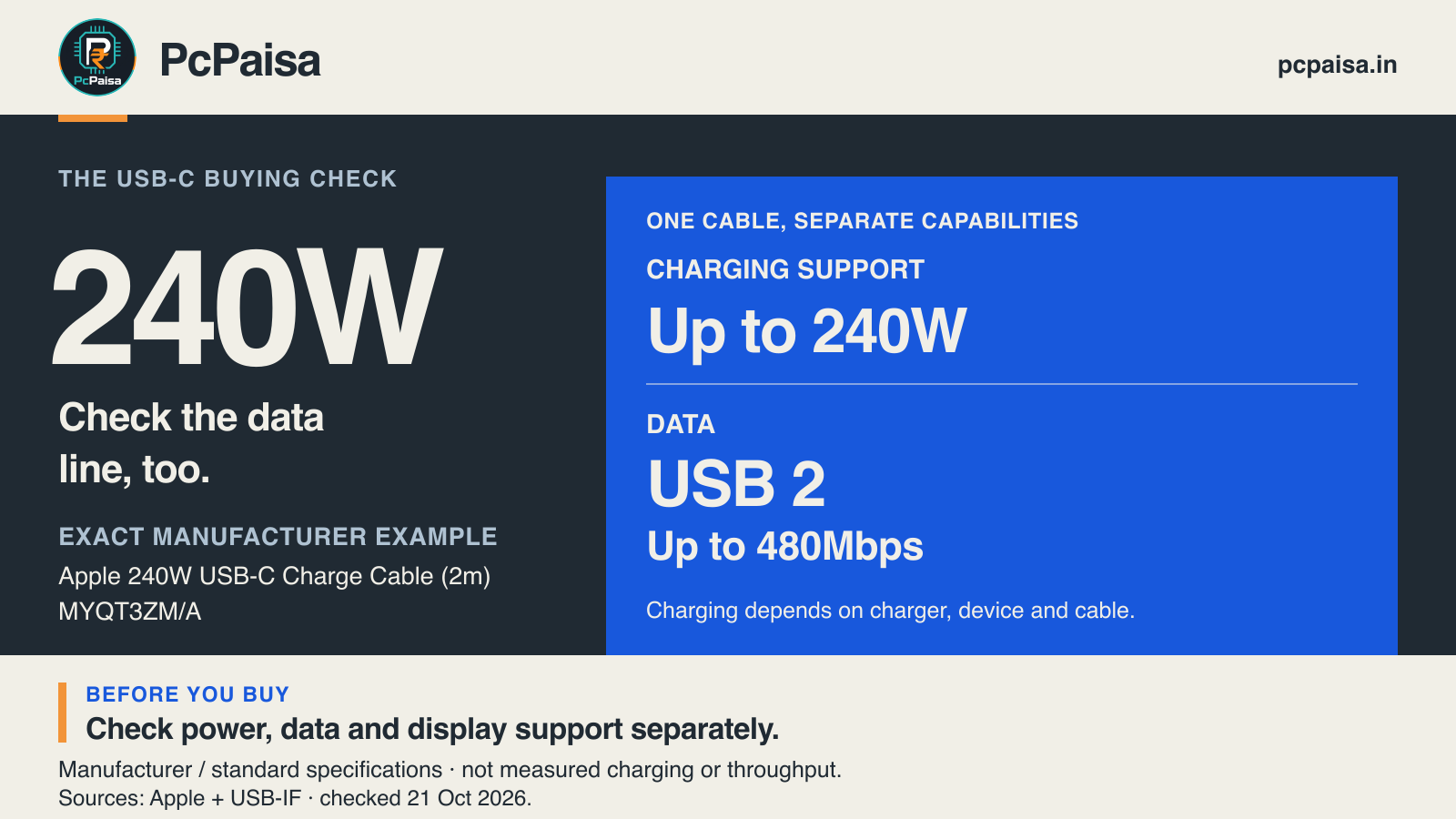
There is a concrete example on Apple’s India store. Its 240W USB-C Charge Cable (2m), MYQT3ZM/A, supports charging up to 240W but transfers data at USB 2 rates. That is a documented combination, not a faulty cable or a contradiction. It also does not establish what another cable with a similar name can do. Apple’s exact product page
Read watts and data rates as separate fields
USB-IF’s cable-logo guidelines explicitly allow USB 2.0 Type-C cables rated for 60W or 240W with data rates up to 480Mbps. Their charging logos need not display that data rate. A large power number therefore cannot answer an external-storage question. USB-IF cable-logo guidelines, pages 2 and 4
Keep the units separate too. 480 megabits per second ÷ 8 = 60 megabytes per second, before protocol overhead. This arithmetic is an upper bound from the signalling rate, not a promise of 60MB/s file copies. The drive, host, workload and connection all matter. Buying a faster SSD cannot remove a USB 2 cable’s data-rate limit.
For the documented example, the useful specification record is:
| Field | What the source establishes |
|---|---|
| Exact cable | Apple 240W USB-C Charge Cable (2m), MYQT3ZM/A |
| Charging | Up to 240W cable support; actual delivered power remains a separate system question |
| Data | USB 2; USB-IF describes the corresponding maximum as 480Mbps |
| Display | The charging figure does not establish video support; inspect the exact video documentation |
This is one manufacturer’s specification, not a survey of all 240W cables or a PcPaisa hardware test.
Choose the cable for the job
For an Indian accessory-shop quote or office purchase request, replace “one good Type-C cable” with a short use-case record:
| Your job | Requirement to put in the quote | What to verify alongside the cable |
|---|---|---|
| Charge a laptop | Supported charging power and compatible power-delivery requirements | Charger output and the laptop’s accepted charging input |
| Use an external SSD | Required USB data rate, stated separately from watts | Host port and enclosure interface; the slowest supported link still limits the connection |
| Connect a monitor | Explicit video support for the intended connection and display mode | Computer’s video-capable port, monitor input, and any dock or adapter |
Do not buy an expensive universal cable by default. A USB 2 cable can be a sensible charging accessory when fast storage or a display is outside its job. Conversely, charging successfully is not an acceptance test for those other jobs.
A monitor needs a video path
VESA documents DisplayPort Alt Mode as a way to carry video over USB-C. It directs readers to the device documentation for support and explains that connecting a display to a source port without that capability produces no DisplayPort video. A cable cannot add an absent source capability. This check concerns native DisplayPort Alt Mode; USB graphics adapters using other technologies need their own requirements. VESA’s DisplayPort over USB-C FAQ
Check the exact port, not simply the computer’s model family or an adjacent socket. Then verify the cable or adapter and monitor input for the required resolution and refresh rate. A general “supports video” description still leaves those mode limits unanswered.
Why 240W is not a charging promise either
USB Power Delivery lets the powered device request suitable power from the supply. USB-IF describes devices taking the power they need; a cable rating does not force that wattage into the laptop. The charger, cable and receiving device must support the relevant arrangement. USB-IF Power Delivery overview
Keep the exact cable code and length with the invoice, alongside its power, data and video documentation. At handover, check the jobs you actually ordered separately: charging, storage connection and monitor operation. If one fails, that result narrows the question; it does not by itself identify which component is at fault.
Primary documentation checked on 21 October 2026. No current price, stock, tested throughput, guaranteed charging result or named multi-device compatibility is asserted.
Put your shortlist to work
Catch a price drop on your next PC part.
Follow our Telegram channel for selected Indian PC-part price-drop alerts from PcPaisa’s tracked price history.
Join Telegram deal alerts