GPU memory
RTX 5060 Ti 8GB vs 16GB in India: which version should you buy?
The same GPU name hides a meaningful memory choice. Compare game settings, frame-time evidence and your actual Indian checkout prices before buying.
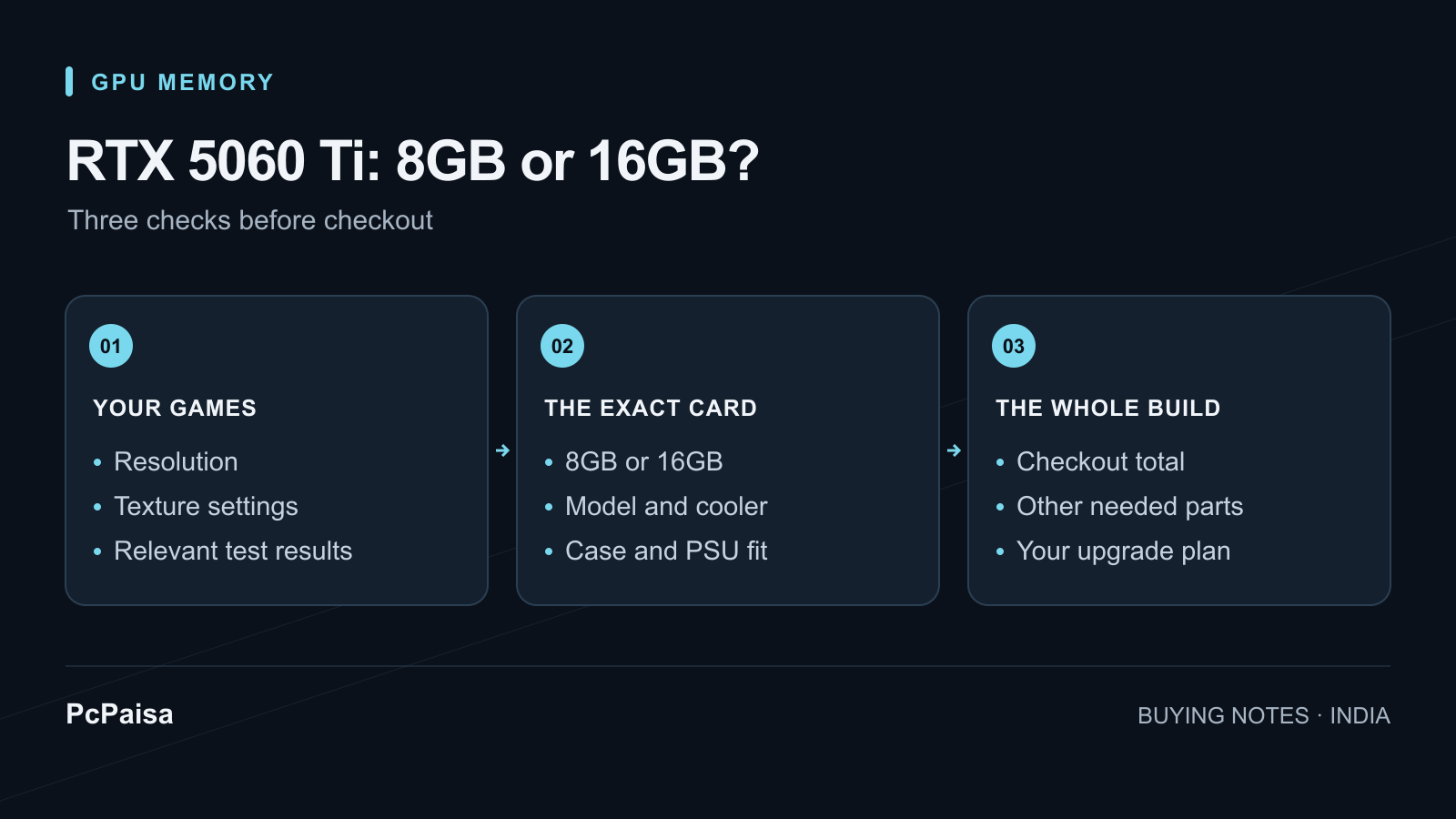
If you are choosing a new RTX 5060 Ti for demanding games, start by comparing the 16GB version. Consider the 8GB model when the saving matters to your complete PC budget and tests show it handles your actual games at settings you are happy to use. Neither the GPU name nor an average FPS figure settles that decision.
For an Indian buyer, the useful comparison is between two exact cards with confirmed checkout totals. A launch price in dollars does not tell you the premium at your retailer today. This guide makes no current-price or stock claim.
What changes between the two versions?
NVIDIA lists the RTX 5060 Ti with 4,608 CUDA cores, a 128-bit memory interface and either 8GB or 16GB of GDDR7. The larger memory option is not a separate, higher-core GPU tier. NVIDIA also cautions that shipping card specifications vary by manufacturer. Check the exact partner model as well as the capacity. NVIDIA RTX 5060 family specifications
That gives you two questions to answer: does the card have enough memory for the way you play, and is this particular model a sensible purchase at its final price?
Why equal average FPS can hide a difference
PcPaisa did not run these benchmarks. In Andy Edser’s March 2026 original testing for PC Gamer, Cyberpunk 2077 at 1080p, Medium RT and Quality upscaling produced 91 FPS average on both versions. The reported 1% lows were 44 FPS on 8GB and 63 FPS on 16GB. Those lower-frame-rate measurements are worth examining alongside the average.
At 1440p with the same preset and upscaling, both averaged 58 FPS; their 1% lows were 37 and 45 FPS respectively. These selected results exclude frame generation and apply to that test’s game, settings and hardware. They are not a forecast for every game or every September driver. PC Gamer’s original 8GB versus 16GB tests and settings
When reading a review, write down the resolution, texture preset, ray tracing, upscaling mode and whether frame generation is enabled. Compare matching conditions. A video showing a high frame counter with different settings is not a clean answer to your buying question.
An older motherboard deserves a separate check
TechSpot’s June 2025 investigation used a Ryzen 7 9800X3D system to vary PCIe generations while deliberately testing memory-heavy workloads. It compared the 8GB card on PCIe 3.0, 4.0 and 5.0 against the 16GB card on PCIe 3.0. Faster PCIe helped some 8GB results, but did not eliminate the memory constraint across the tested scenarios. This is a stress-case study, not an average penalty for all games or all older PCs. TechSpot’s original PCIe comparison
Our buying advice: if your existing PC uses PCIe 3.0 or 4.0, look for tests with that configuration before choosing the cheaper card. Do not add a motherboard replacement to the shopping list merely to compensate for an unverified GPU choice. Price the complete alternative first.
Make the decision with your own shortlist
| Your situation | What to establish before paying |
|---|---|
| You mainly play a small, familiar game library | Find matching settings and frame-time results for the 8GB version; do not use a 16GB review as its substitute. |
| You want demanding games with fewer settings compromises | Put the 16GB option first, then compare other cards at its actual checkout total. |
| Buying 16GB forces you to omit a required component | Revisit the whole parts list. An incomplete PC is not a useful upgrade. |
| You already own an 8GB card | Check whether your games actually have a problem before paying for a replacement. |
Record each exact model, memory capacity, seller, delivery charge, warranty terms and final total. Subtract the 8GB total from the 16GB total to see what you are spending on the choice. There is no universal rupee cutoff: a premium must be weighed against the games you play and the alternatives you can buy.
Use PcPaisa’s GPU listings to start your comparison, then save the full parts list in the Build Planner. Verify power connectors and case fit for the exact card using our RTX 50 Series PSU and cable guide. A review of the GPU chip does not establish those details for every partner card.
Sources checked on 19 September 2026. Benchmark dates are stated above; PcPaisa has not independently tested these cards.
Put your shortlist to work
Catch a price drop on your next PC part.
Follow our Telegram channel for selected Indian PC-part price-drop alerts from PcPaisa’s tracked price history.
Join Telegram deal alerts